Users and roles
Create a new user
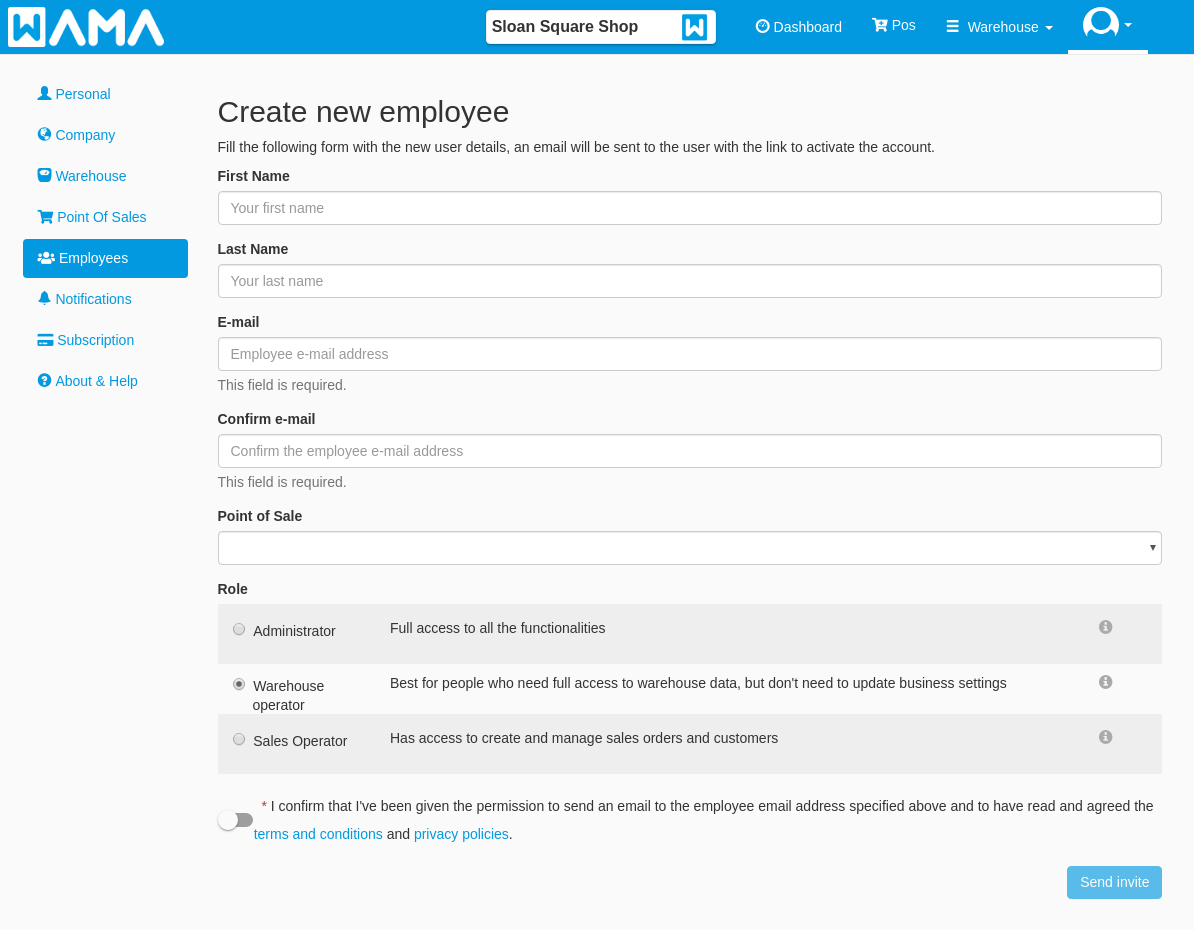
In the employees section you will need to fill the form with all the employee information then click on Send invite button, an email will be sent to the employee with a link
to activate an account. The employee will be asked to choose a password before he/she will be able to login.
If needed it is possible to re-send the invitation email to the employee by clicking on the button with the mail icon in the employees list at the bottom of the page
Edit existing user
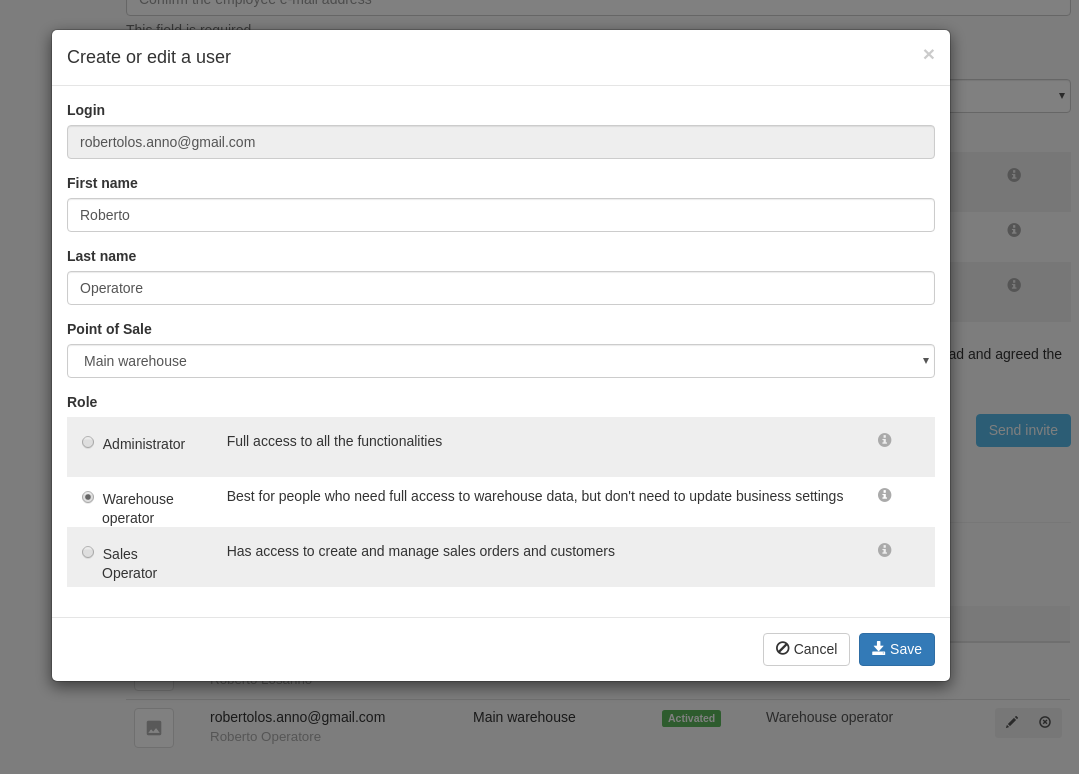
At the bottom of the Employees page are listed all the users of the company, by clicking on the pencil button it is possible to edit the user information.
Roles access rights
Four roles are available in WAMA:
- Administrator
- Warehouse Operator
- Sales Operator
- Warehouse Assistant
The Administrator role authorises the user to access all the functionalities.
The following table shows the access rights of each role.
| Section | Administrator | Warehouse Operator | Sales Operator | Warehouse Assistant |
|---|---|---|---|---|
| Products - View | ✔ | ✔ | ✘ | ✔ |
| Products - Change quantity | ✔ | ✔ | ✘ | ✔ |
| Products - Create | ✔ | ✘ | ✘ | ✘ |
| Products - Edit | ✔ | ✘ | ✘ | ✘ |
| Products - Delete | ✔ | ✘ | ✘ | ✘ |
| Categories - View | ✔ | ✔ | ✘ | ✔ |
| Categories - Create | ✔ | ✘ | ✘ | ✘ |
| Categories - Edit | ✔ | ✘ | ✘ | ✘ |
| Categories - Delete | ✔ | ✘ | ✘ | ✘ |
| Locations | ✔ | ✔ | ✘ | ✘ |
| Suppliers - View | ✔ | ✔ | ✘ | ✘ |
| Suppliers - Create | ✔ | ✔ | ✘ | ✘ |
| Suppliers - Edit | ✔ | ✔ | ✘ | ✘ |
| Suppliers - Delete | ✔ | ✘ | ✘ | ✘ |
| Scanner | ✔ | ✔ | ✘ | ✔ |
| Pos - Create/Edit/Delete | ✔ | ✘ | ✘ | ✘ |
| Pos - View other point of sales | ✔ | ✘ | ✘ | ✘ |
| Customers | ✔ | ✔ | ✔ | ✘ |
| Sales orders | ✔ | ✔ | ✔ | ✘ |
| Sales orders - Delete | ✔ | ✘ | ✘ | ✘ |
| Stock transfer - View | ✔ | ✔ | ✘ | ✘ |
| Warehouse settings | ✔ | ✘ | ✘ | ✘ |
| Company settings | ✔ | ✘ | ✘ | ✘ |
| Employees | ✔ | ✘ | ✘ | ✘ |
| Point of sales | ✔ | ✘ | ✘ | ✘ |
| Subscription | ✔ | ✘ | ✘ | ✘ |