Public shop
The Public shop module publishes your warehouse products on the web. Each point of sale has its own links and settings.
Activate
Enable Public shop, then click Customise settings. Requires a paid plan.
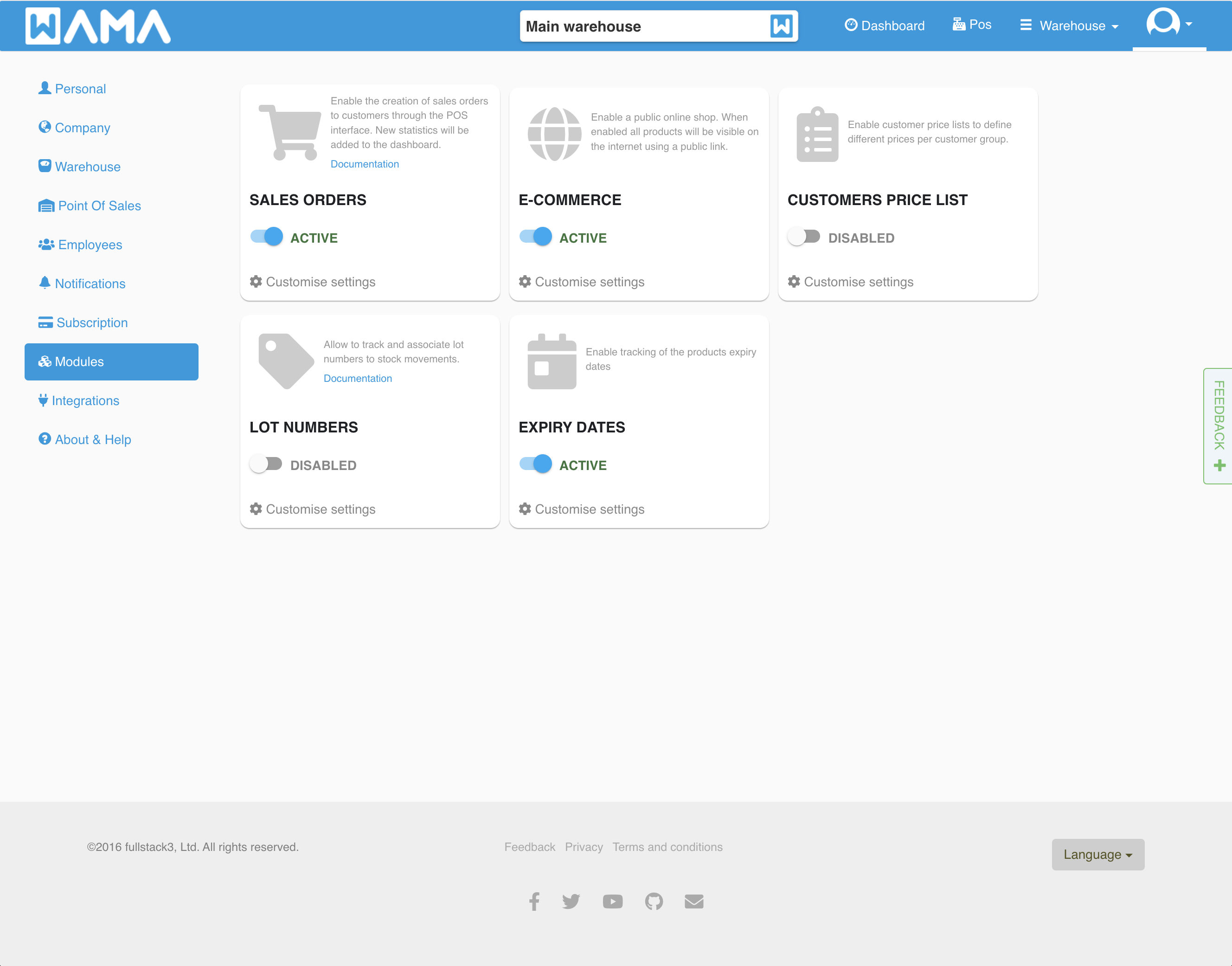
E-commerce (new shop)
Turn on Show selling price so customers can add products to a basket and place orders.
- Shop link:
https://YOUR_NAME.wama.app— set the name under Public link name - Stripe: connect your Stripe account via Stripe Connect to accept card payments (see below)
- Without card payments, customers can still place orders (reservations or pay later)
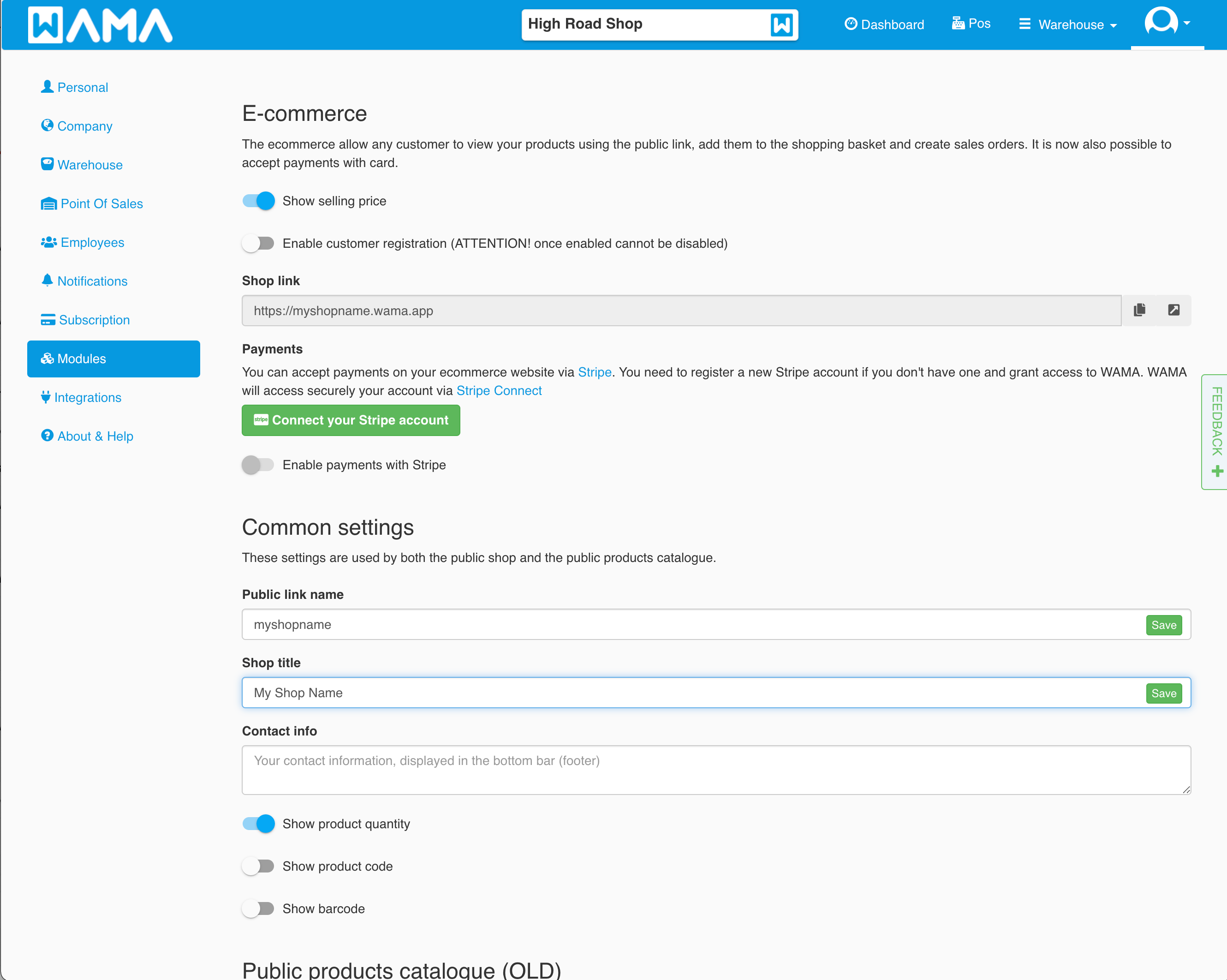
Shared options include shop title, contact info, and toggles to show quantity, code, barcode, and company logo. You can also change background and top-bar colours.
Sample shop
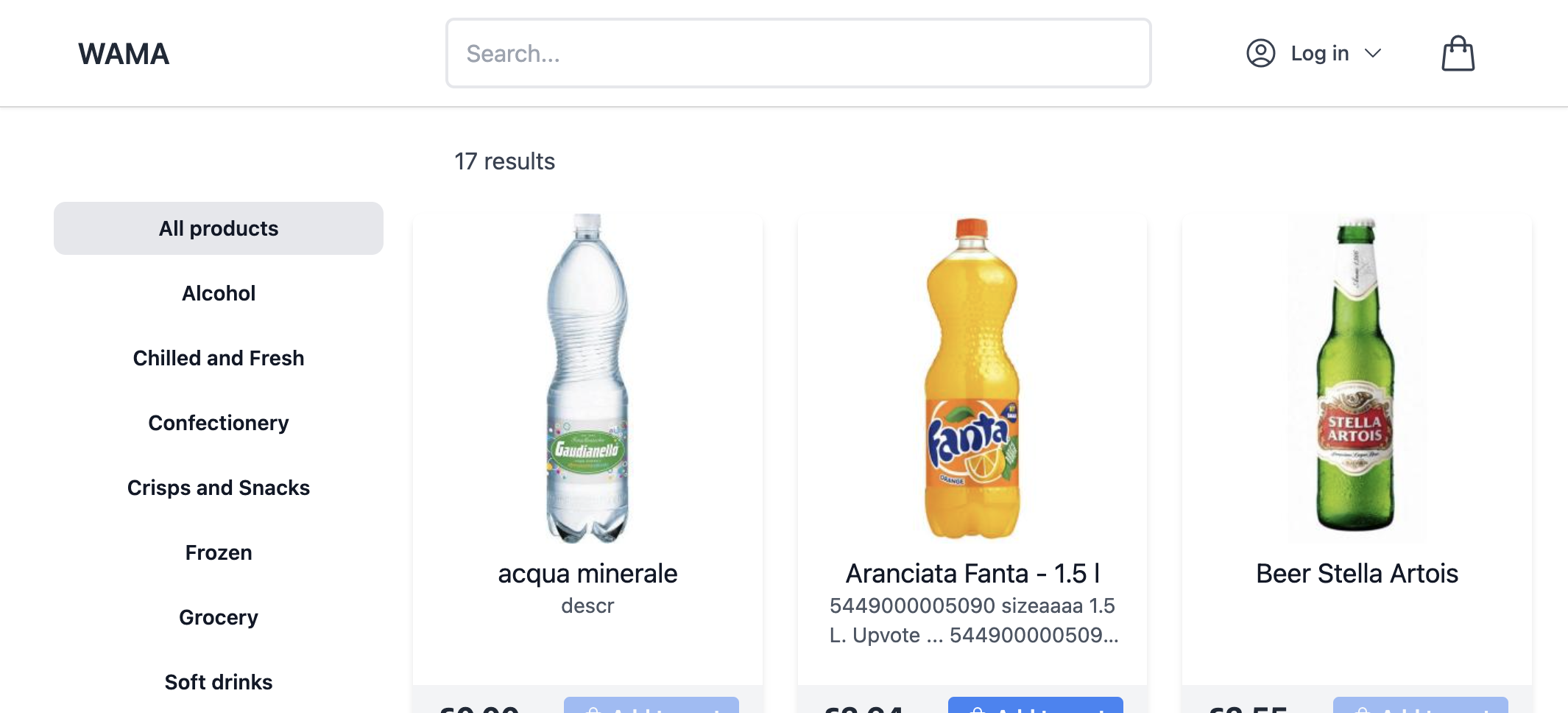
Preview a live storefront at https://wama.wama.app/ — a public shop with categories, prices, and add to cart.
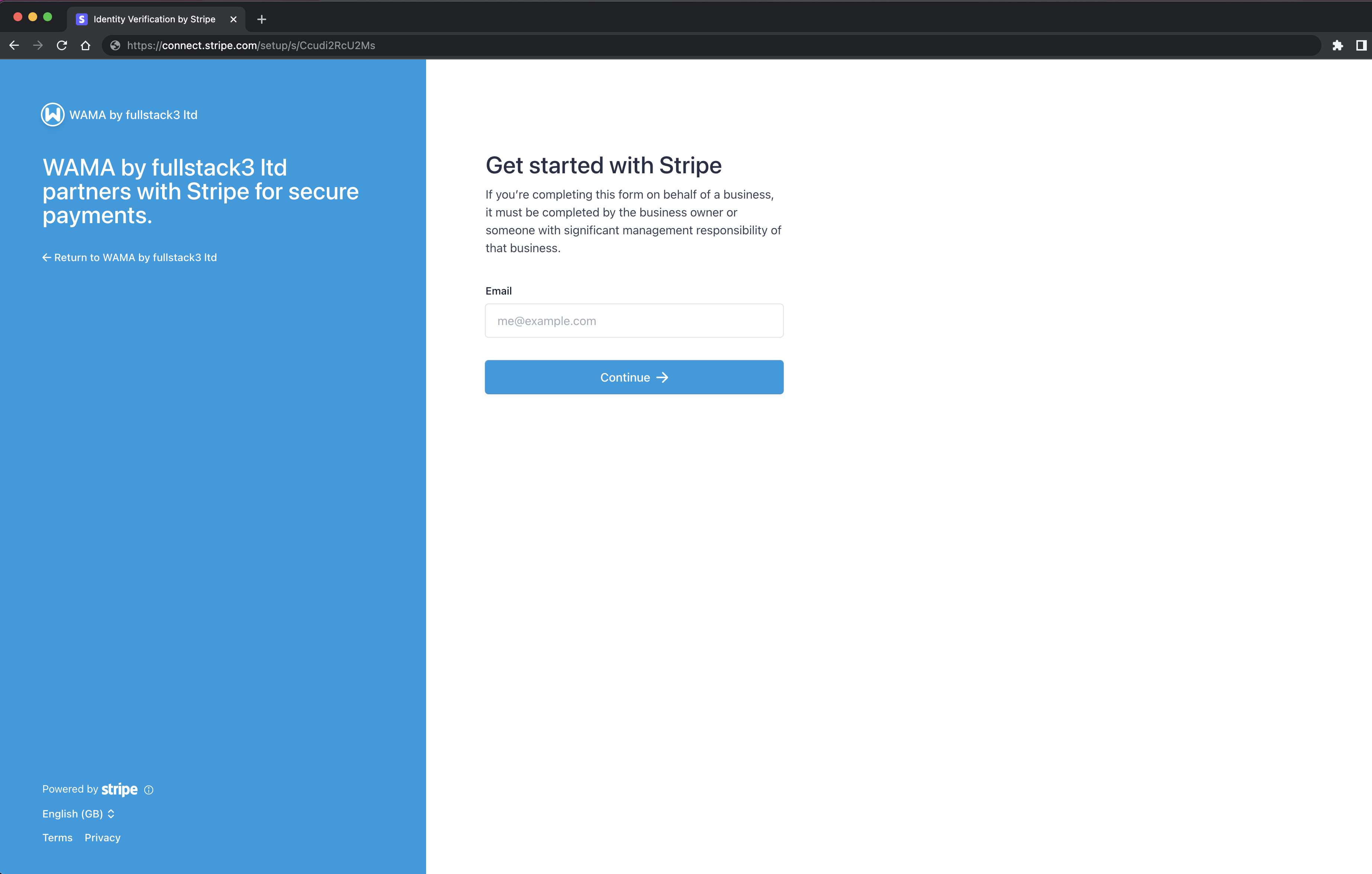
Connect Stripe for card payments
Use Stripe Connect in the shop settings to link your Stripe account and accept card payments online. Checkout charges are paid to your connected Stripe account; WAMA does not store card details.
Public catalogue (old)
In the same settings page, Public products catalogue (OLD) is a read-only list with no ordering. Copy the separate Public link shown in that section if you only need a catalogue.
Hide products or categories
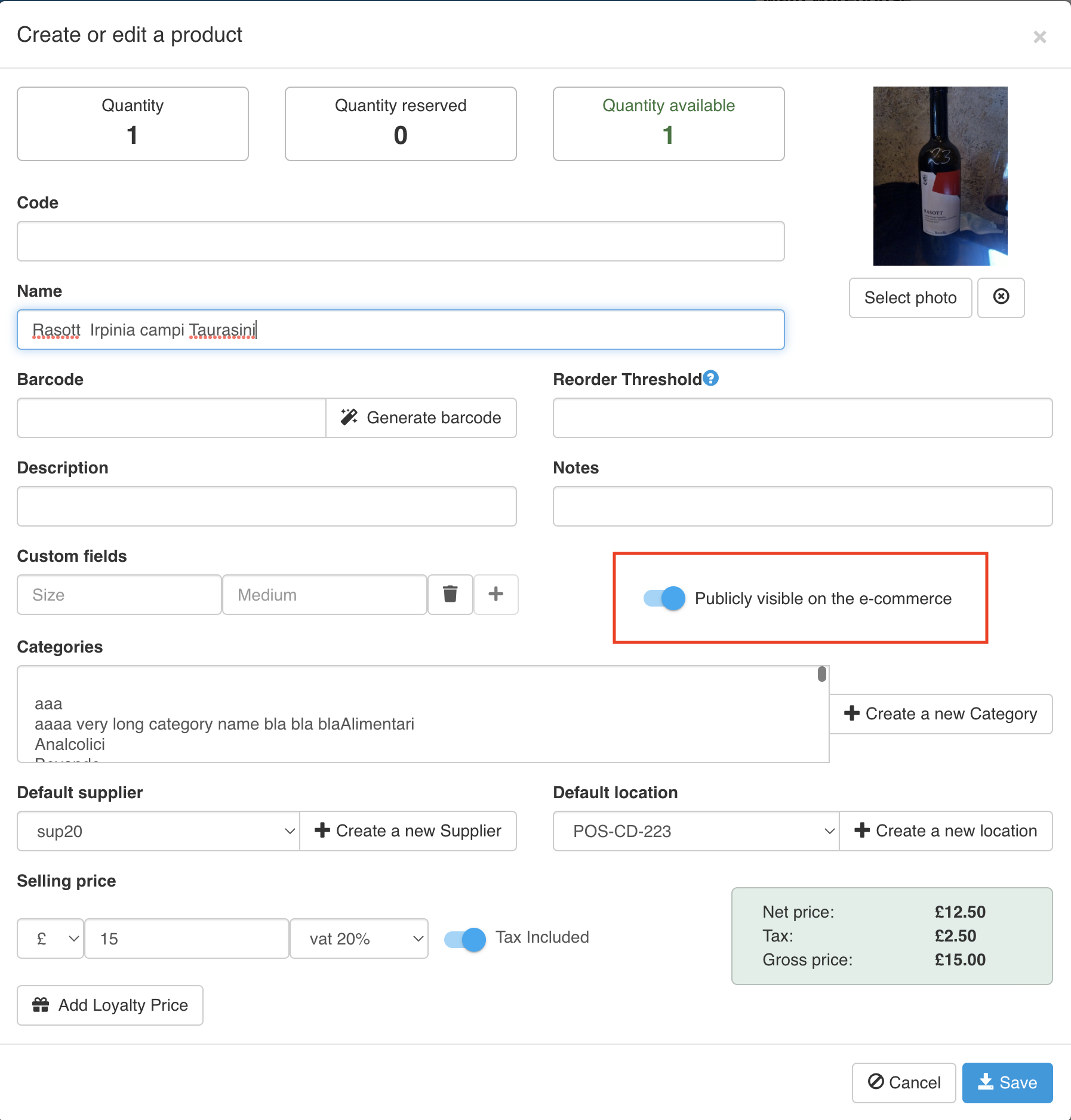
On the product edit form, turn off Publicly visible on the e-commerce to hide a product. Categories have the same flag.