Getting started
Creating an account
Create a WAMA account on the registration page. After registration you are logged in automatically.
To log in later, use web.wama.cloud.
Warehouse configuration
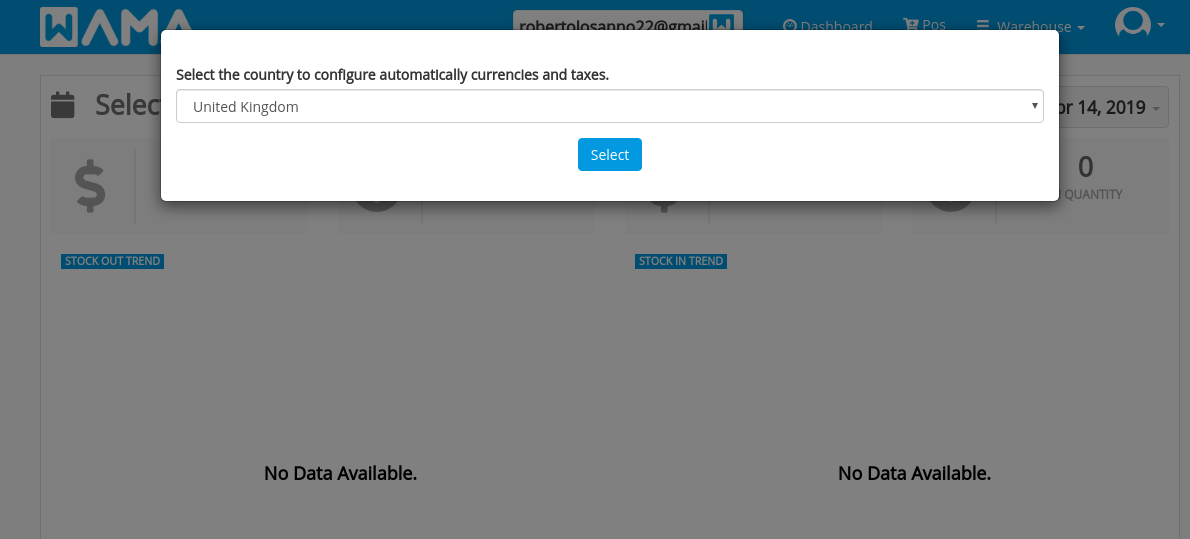
The first time you sign in, select your country. WAMA uses it to set currency and taxes. Review the result in Warehouse settings.
Note
Tax rates are updated when we can, but always check the values WAMA applied for your country.
Warehouse settings
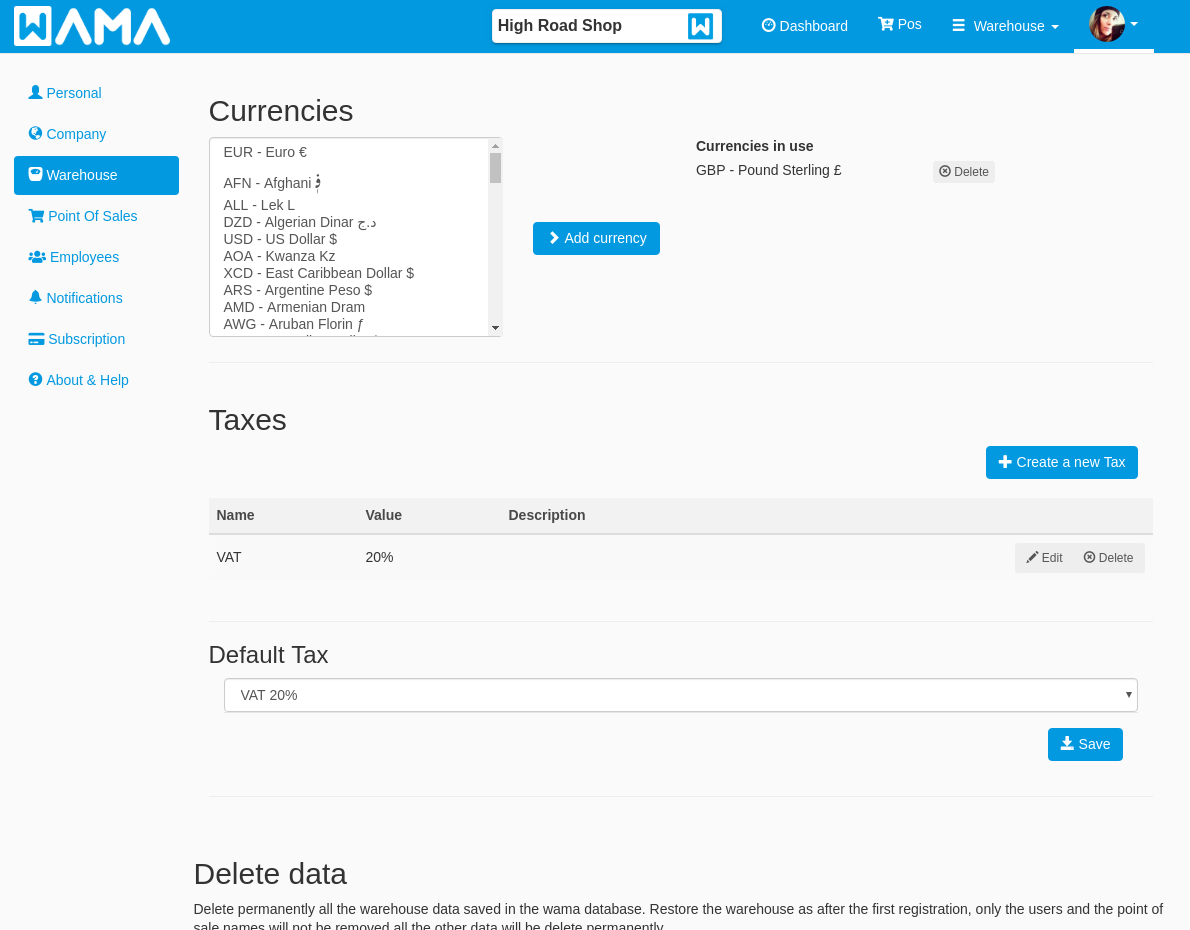
In Warehouse settings you can choose currencies, define taxes, and set a default tax.
Company settings
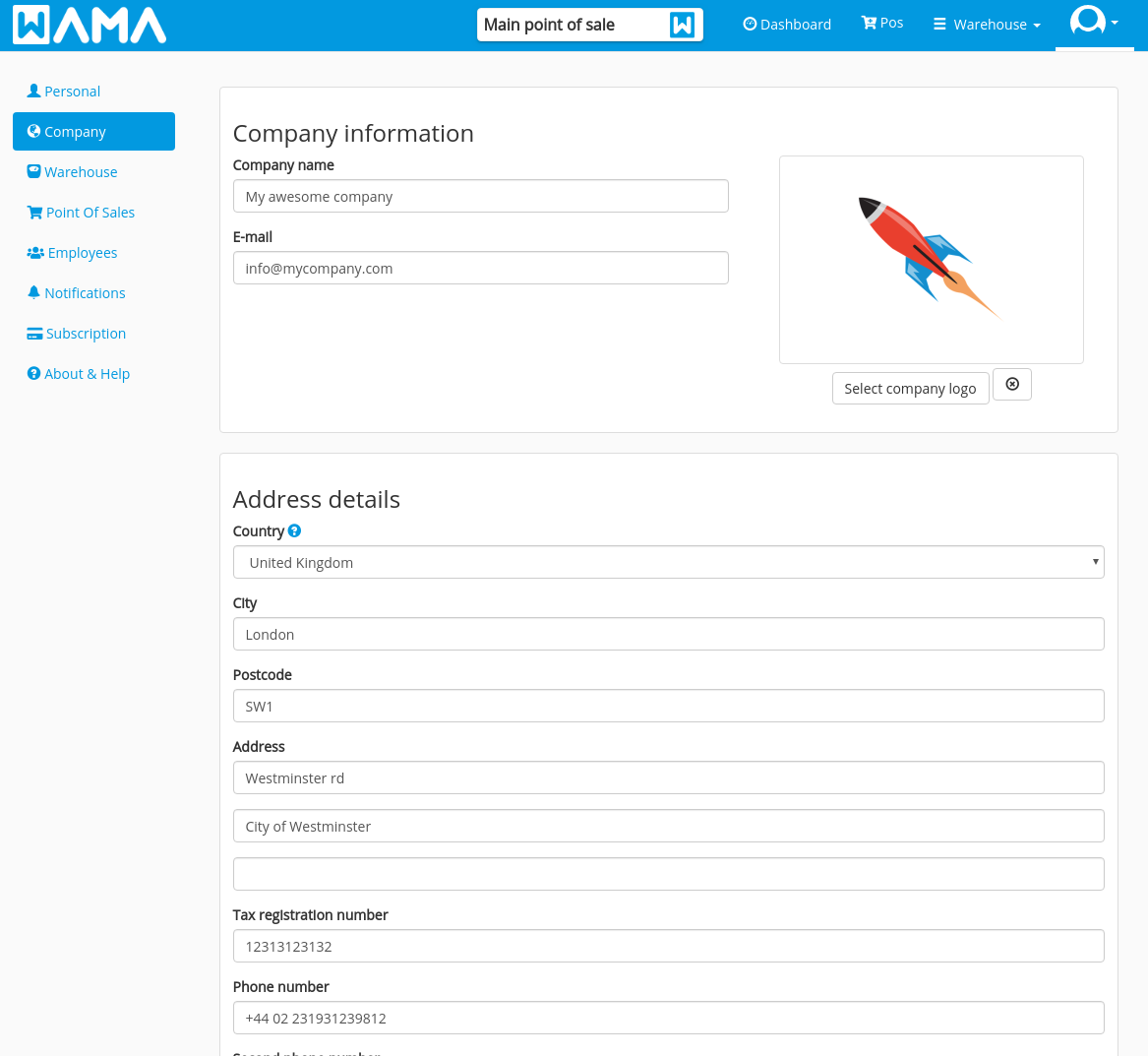
In Settings > Company enter your company details. They appear on invoices, purchase orders, and stock transfers.
Optional modules
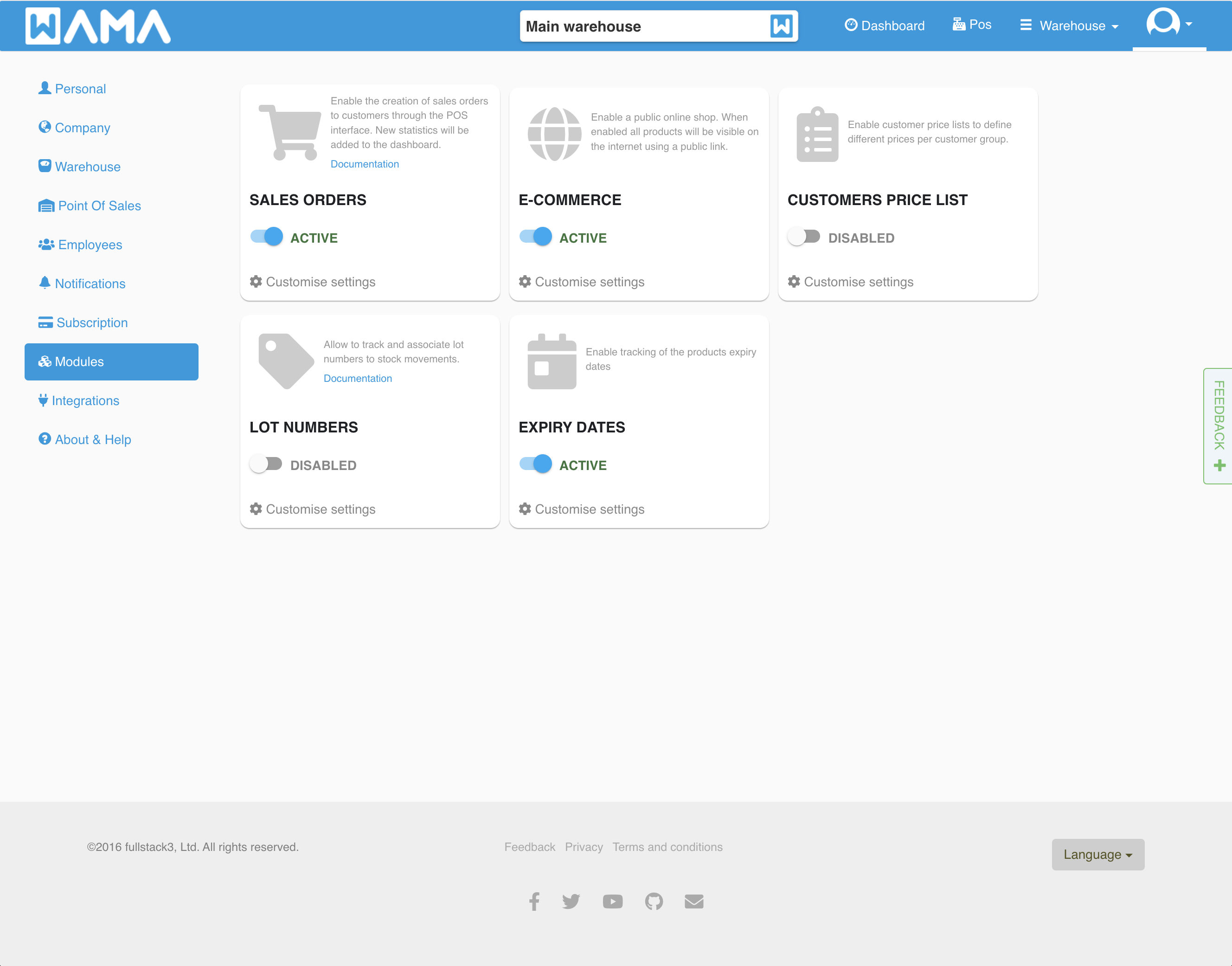
Features such as Lot numbers, Expiry dates, Public shop, Price lists, and Sales orders are enabled under Settings > Modules. Most require a paid plan.
What’s next
- Create products and organise them with categories, locations, and suppliers.
- For multiple stores or warehouses, see Multi point of sales.
- Invite users and assign roles.