Notifications
Section: Settings > Notifications
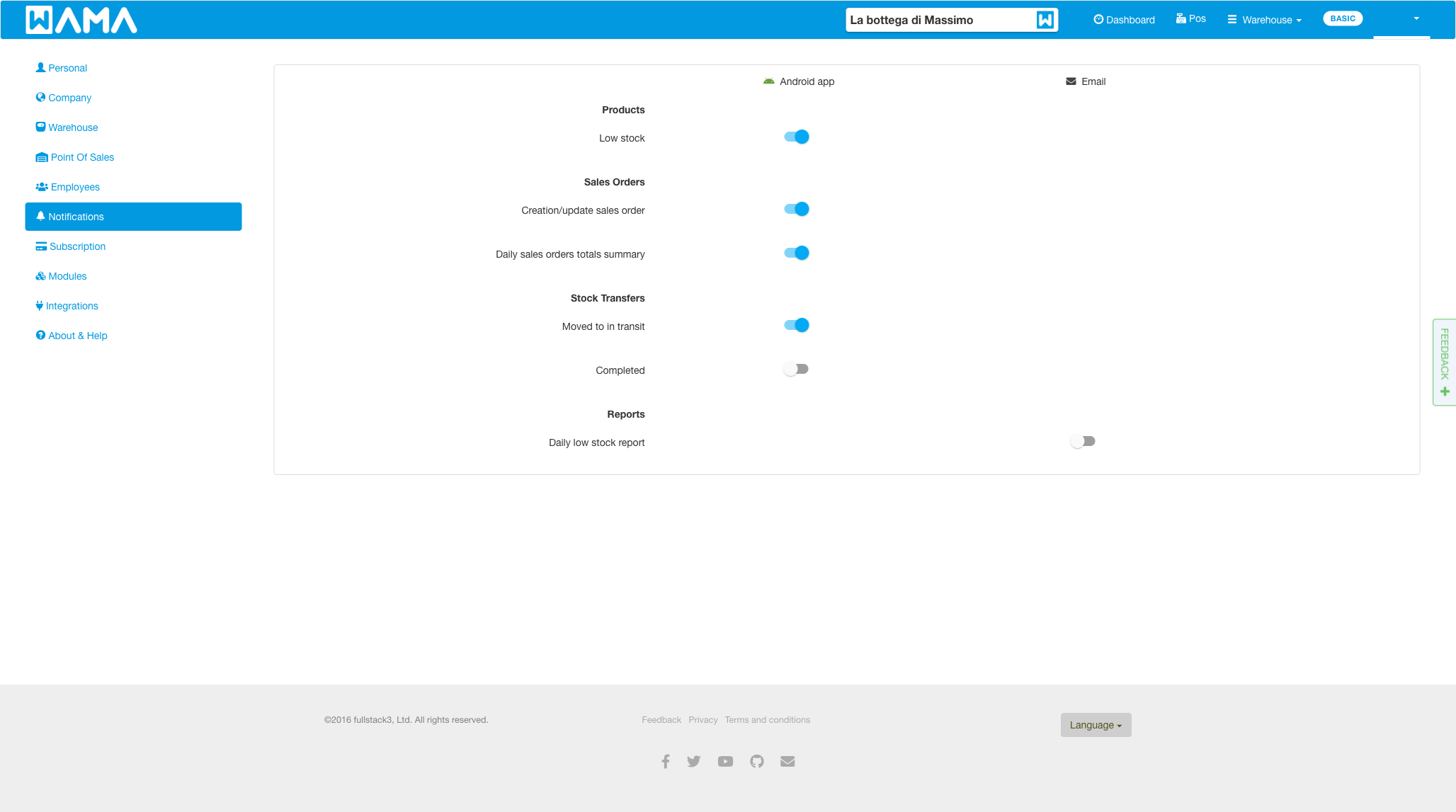
Choose which events send alerts to the Android app or by Email. Toggles on this web screen apply to push notifications on linked Android devices.
Products
- Low stock (Android) — when a product reaches its reorder threshold.
Sales orders
- Creation/update sales order (Android) — when a sales order is created or updated.
- Daily sales orders totals summary (Android) — a daily summary of sales.
Stock transfers
- Moved to in transit (Android) — when a transfer is started.
- Completed (Android) — when a transfer is completed.
See Stock transfers.
Reports
- Daily low stock report (Email) — a daily email listing products in low stock.
Note
Android app: The same alert types can be toggled in the Android app under Settings > Notifications. Push notifications appear in the in-app notification inbox when enabled.