Stock transfers
Stock transfers move products from the current point of sale to another warehouse (point of sale) or to a customer. The same feature is available in the web app and the Android app.
For the full guide (statuses, delivery note PDF, notifications), see Stock transfers.
Access stock transfers
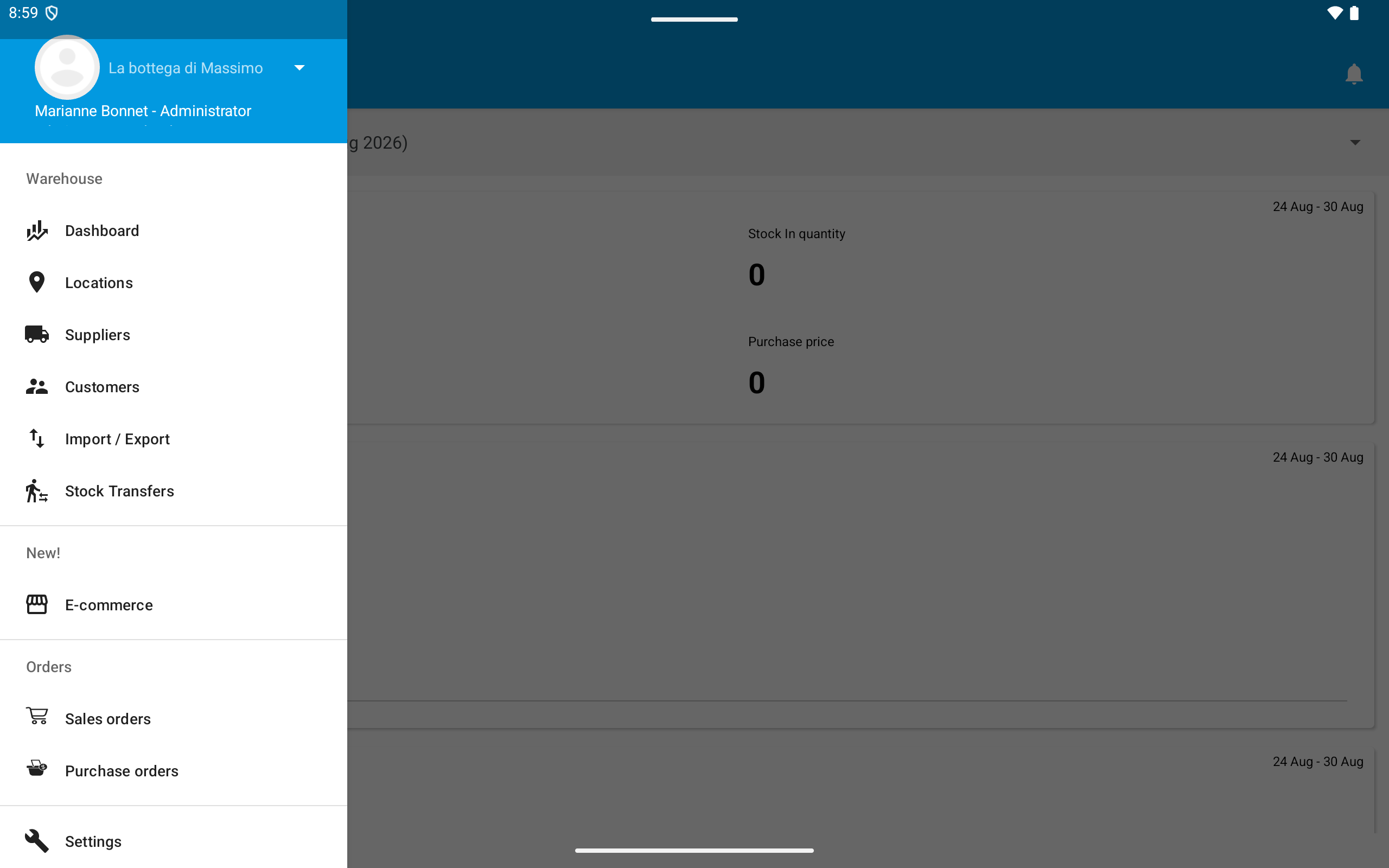
Open the menu and go to Warehouse > Stock Transfers.
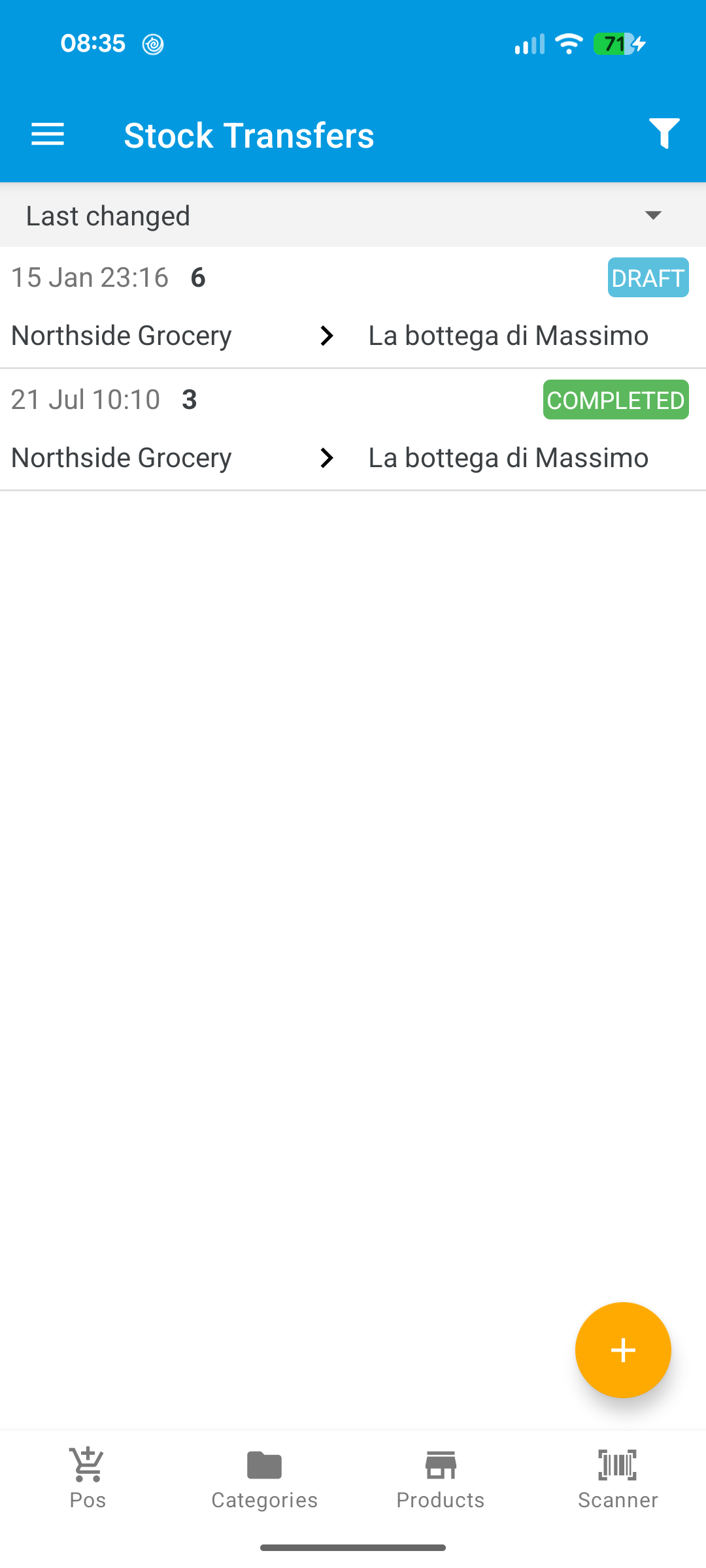
Tap the + button to create a new transfer. Choose the destination point of sale or customer, add product lines, and save as Draft.
When Lot numbers and/or Expiry dates are enabled, each line can include a lot and/or expiry date. Use Split line to ship the same product from several lots or expiry dates.
From an open transfer, use Download PDF to generate a delivery note.
Complete with optional receiver signature
When a transfer is In transit, the primary action is Complete Stock Transfer (green).
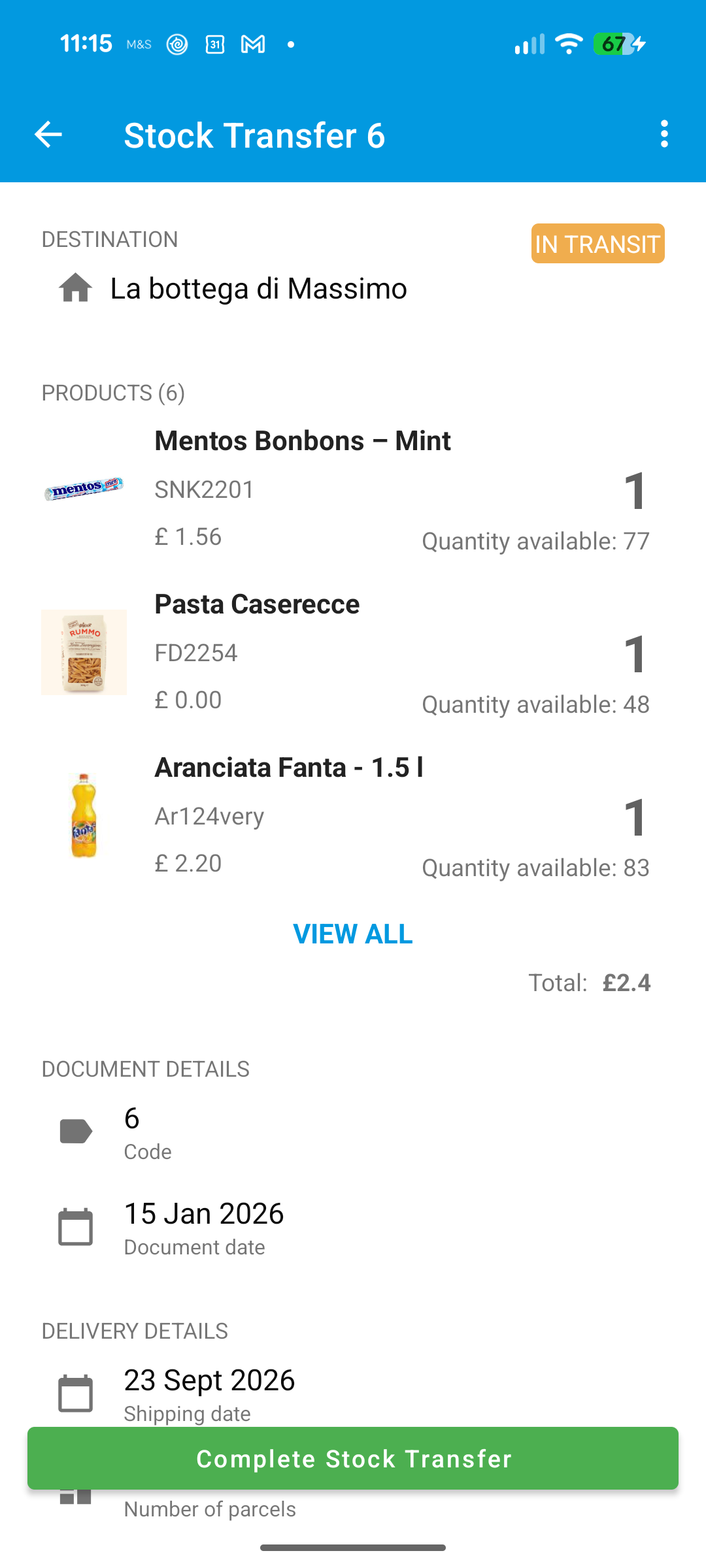
- Tap Complete Stock Transfer.
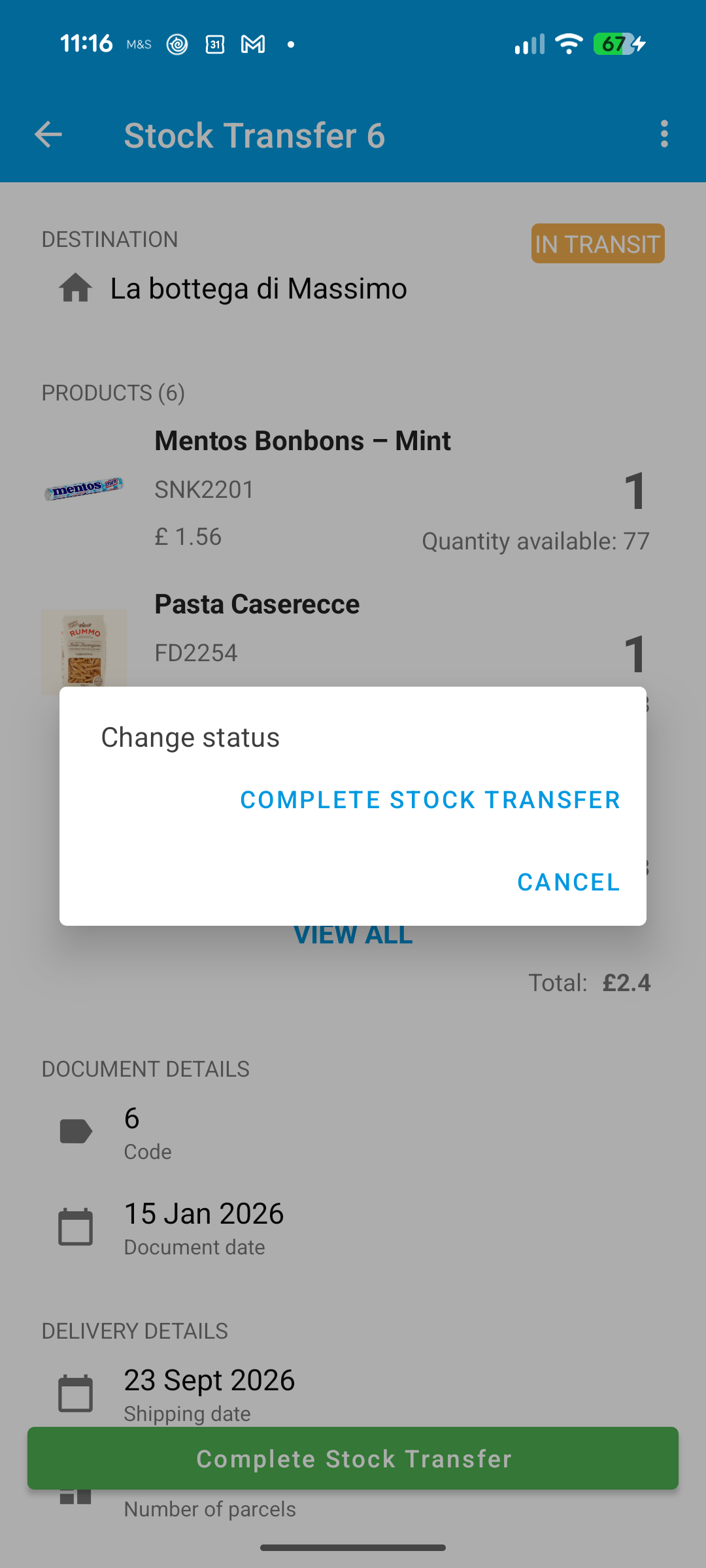
- Confirm in the Change status dialog.
- The Receiver signature screen opens. Optionally enter a Signer name, draw on the pad, then choose:
- Confirm and complete — saves the signature and completes the transfer (enabled after you draw).
- Complete without signature — completes without storing a signature.
- Cancel — returns to the transfer without changing status.
- Clear — erases the drawing so you can sign again.
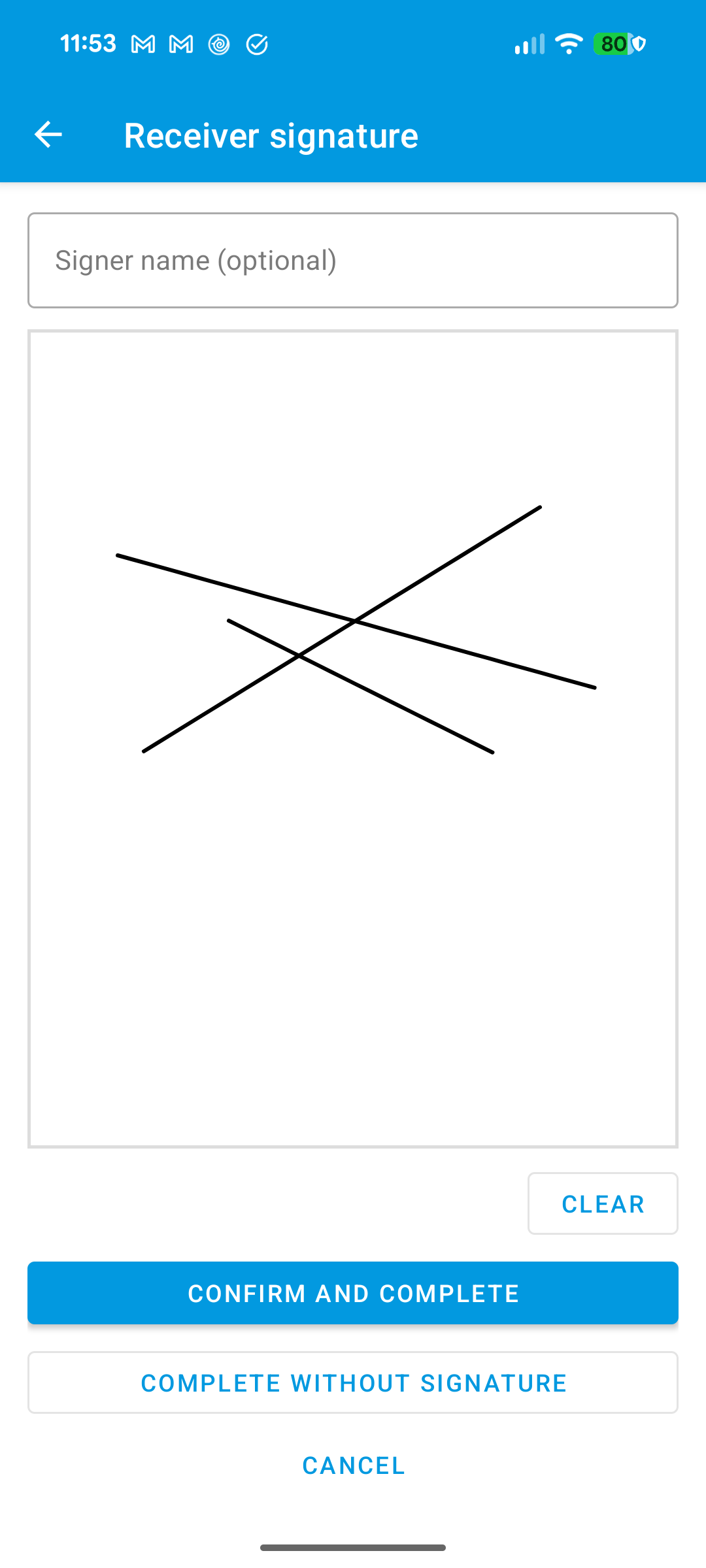
Signing is optional. You can always complete without a signature.
See also Lot numbers and Expiry dates.