Product packaging
On Android you can sell and adjust stock in packs or cases when the Product packaging module is enabled. Stock is always stored in base units; the app converts using the packaging factor.
Configure packaging units on the product (web or Android product edit). Full module overview: Product packaging (web).
Enable the module
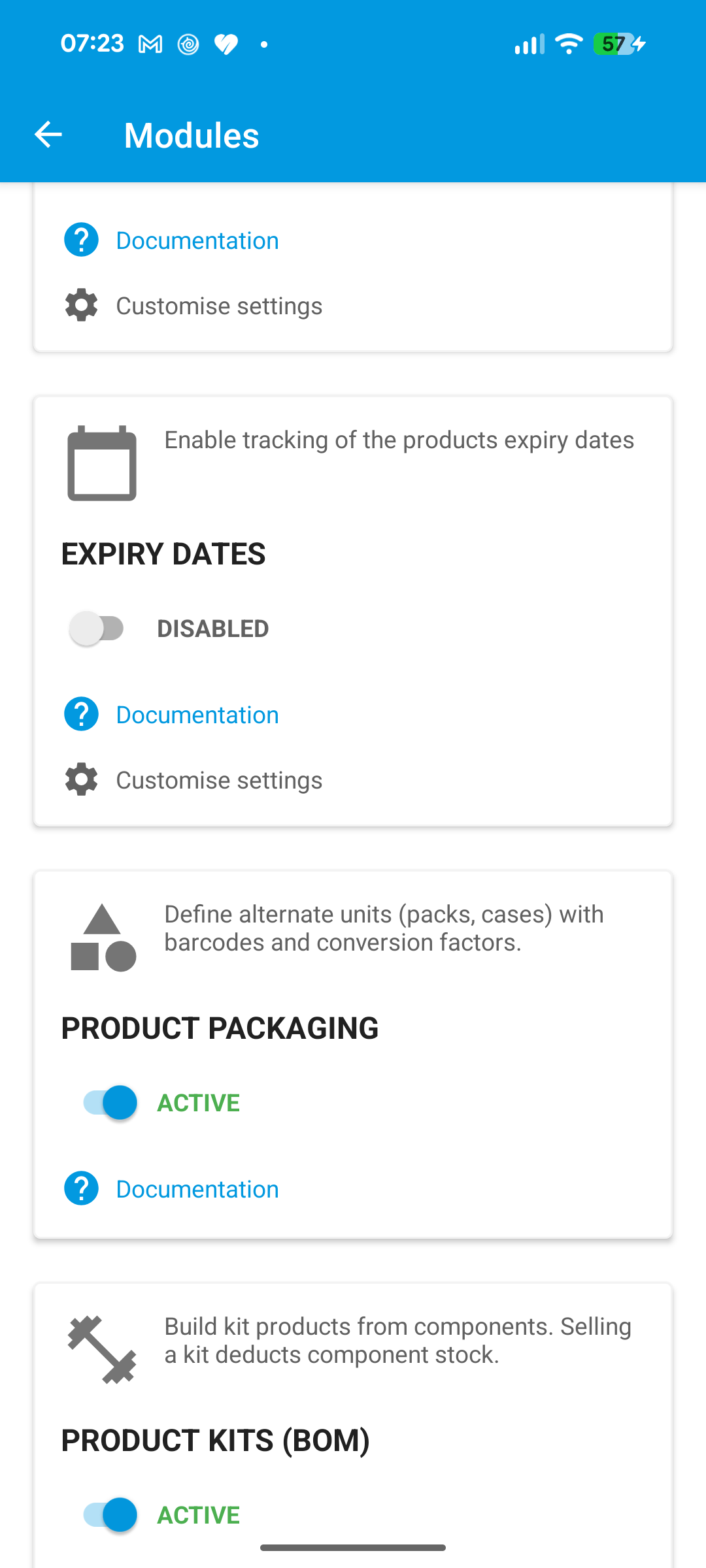
Open the menu > Settings > Modules, then turn on Product packaging.
Product packaging units
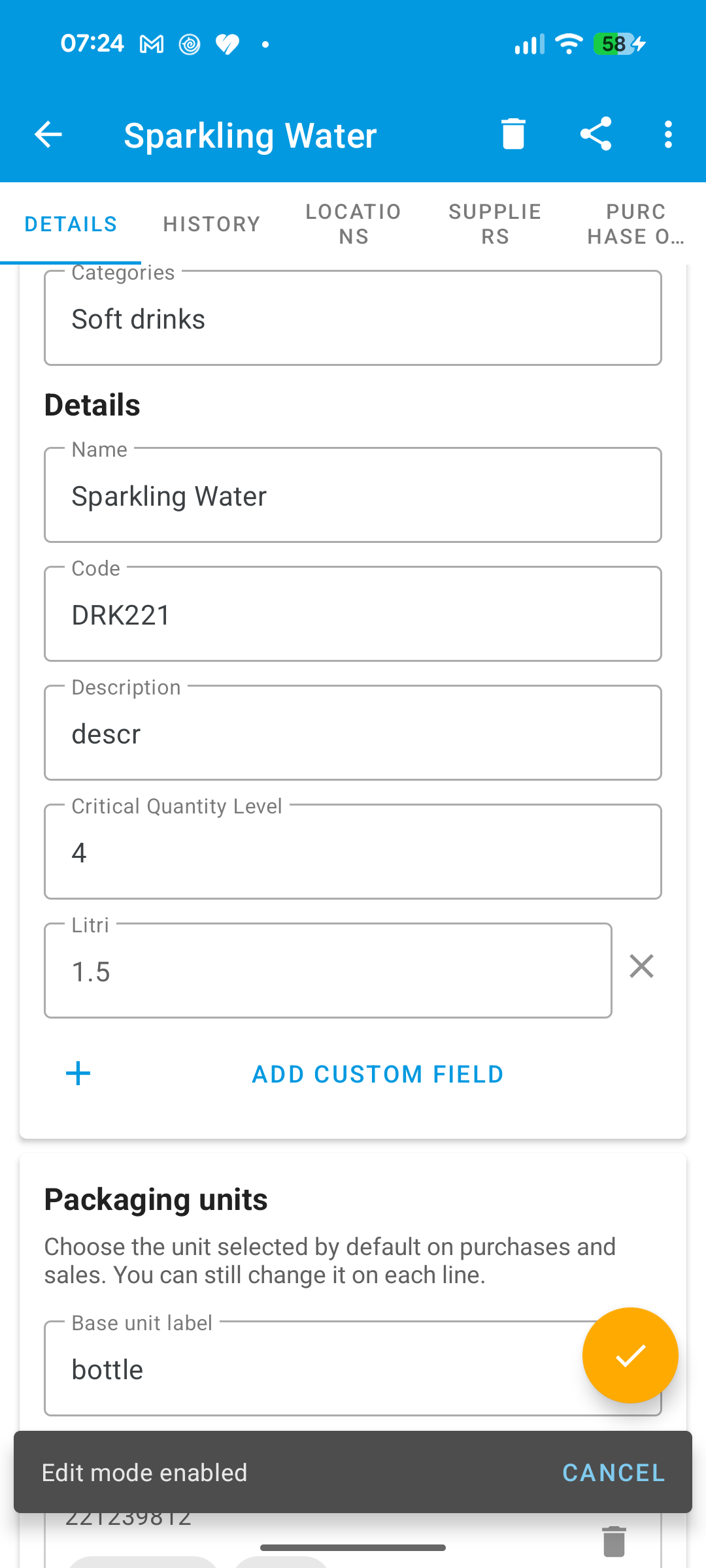
Open a product (for example DRK221) and edit Packaging units to add labels, factors, barcodes, and defaults for purchase/sale.
POS: add a product and select the unit
- Open Pos.
- Find or scan the product (for example
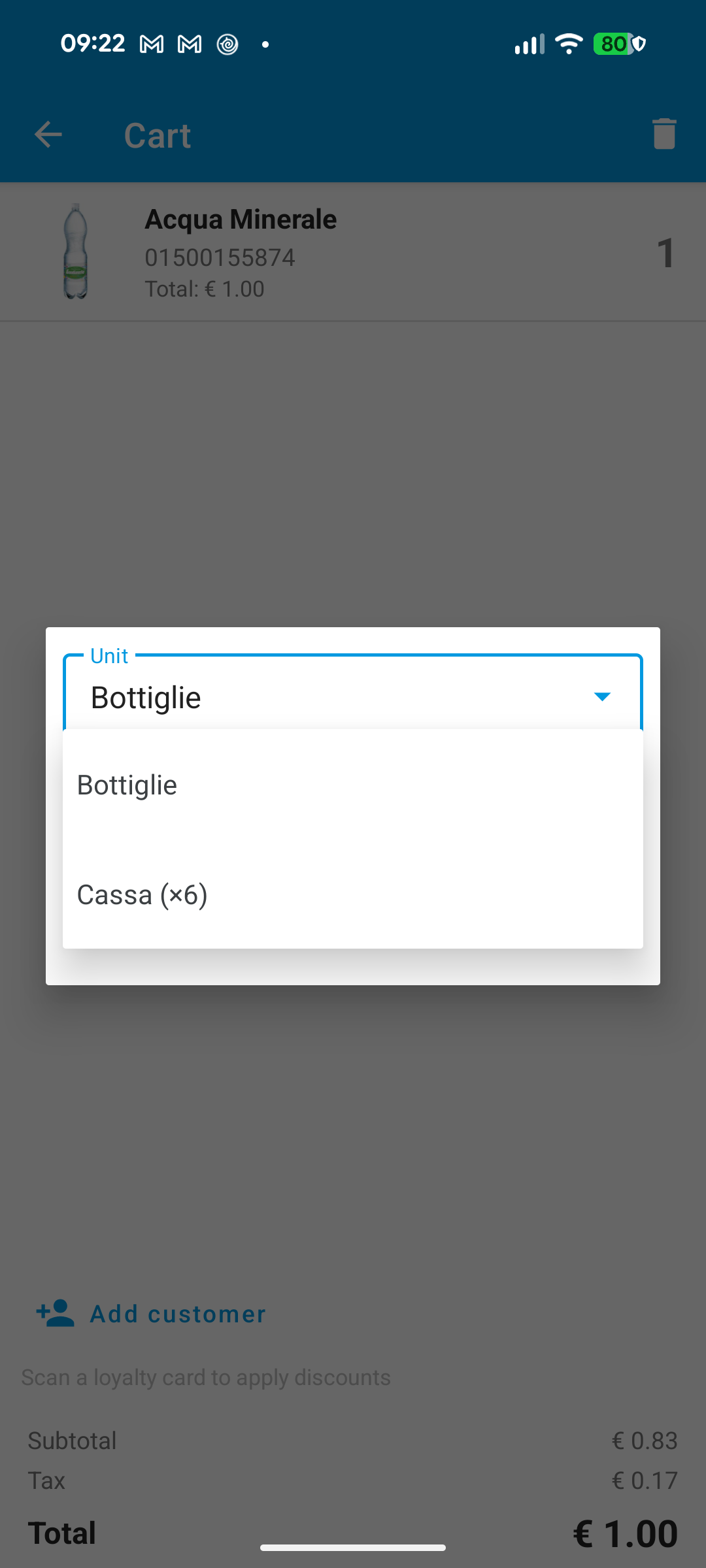
DRK221, or scan the pack barcode). - On the quantity screen, open the Unit selector and choose the packaging unit (for example six-pack).
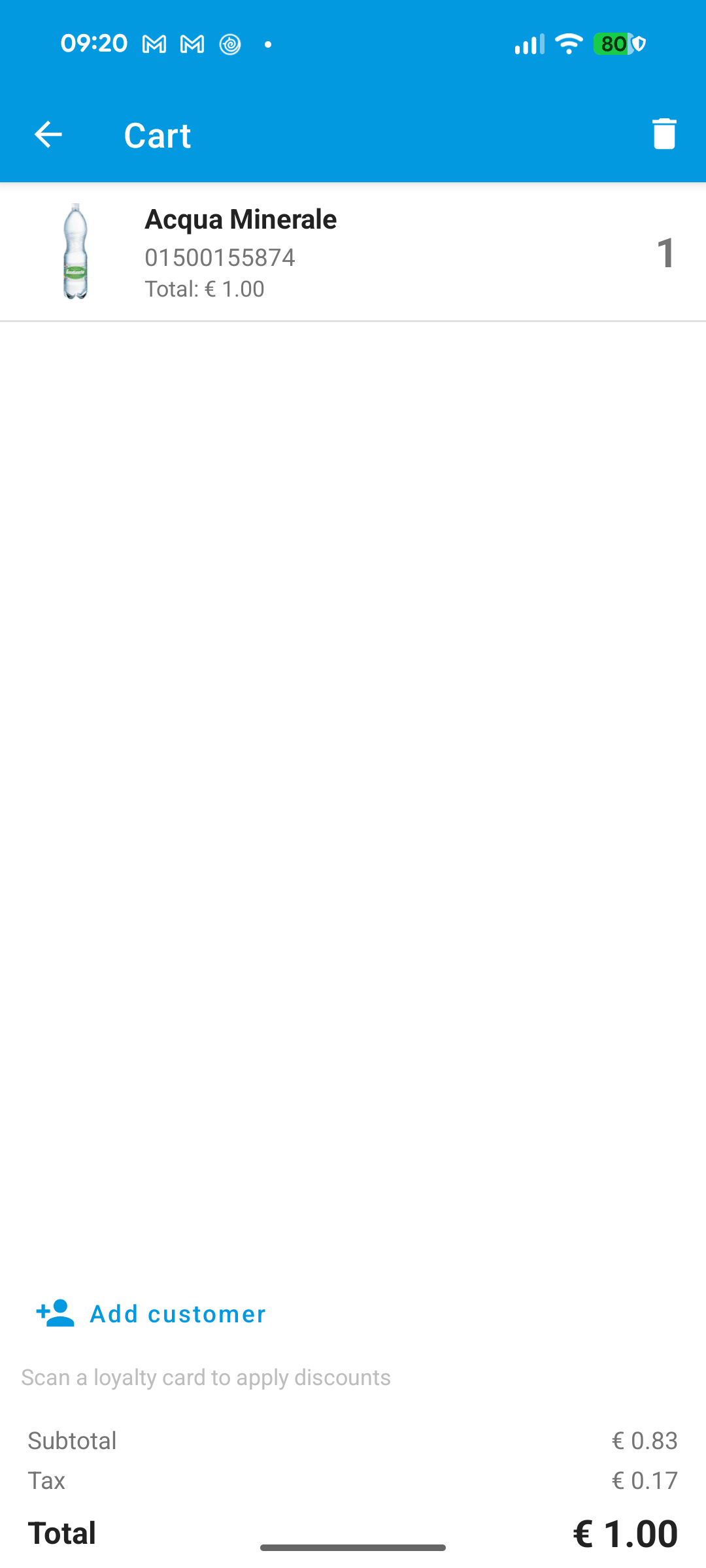
- Confirm the quantity. The cart line shows the packaging label; stock is converted to base units.
Stock, purchase orders, and transfers
Packaging units are also supported when you:
- Change stock quantity on a product
- Add lines on a purchase order
- Move stock with a stock transfer
Pick the Unit and enter the quantity in that unit; WAMA stores everything in base units.
Note
If Product packaging is off, the app uses base units only.