Product kits
Android can sell kits when Product kits (BOM) is enabled for the point of sale. Kit components and stock mode are set up on the web. Full guide: Product kits (BOM).
Enable the module
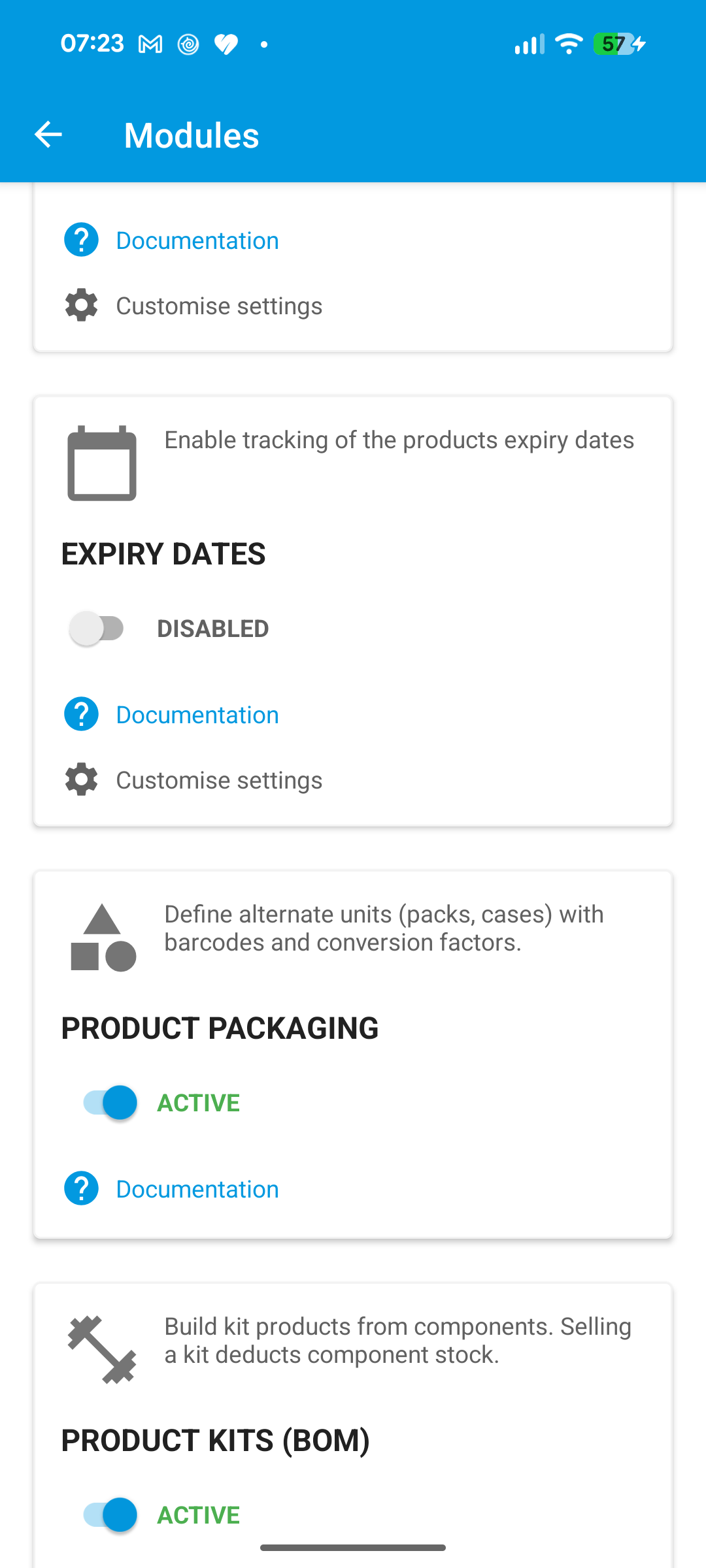
Open the menu > Settings > Modules, then turn on Product kits.
Note
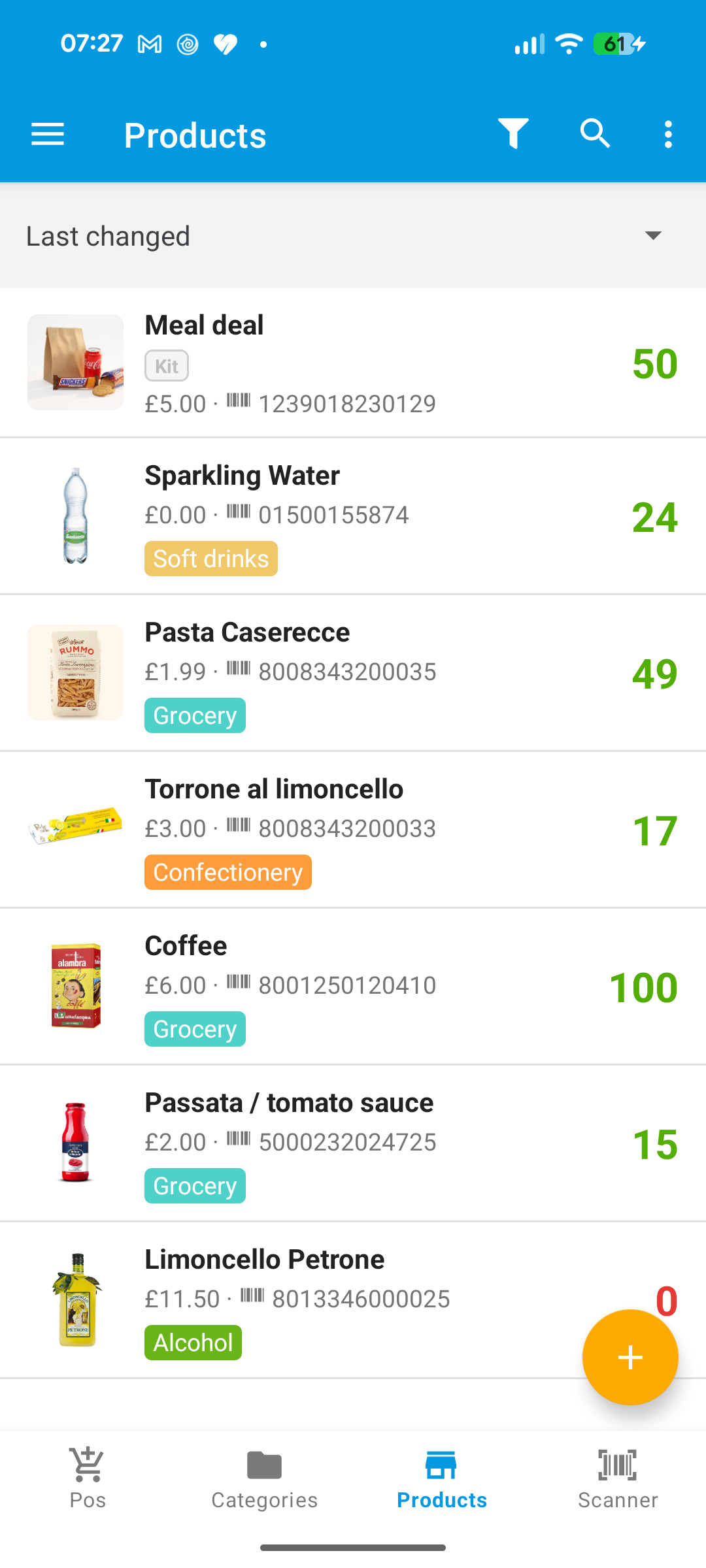
Kit BOM editing (components, pack/unpack) is done on the web. On Android, kits appear in the product list with a Kit badge when the module is on.
Sell a kit on POS
- Open Pos and find the kit (for example code
COD232). - Add it to the cart like any product.
- Place the order. Stock is updated according to the kit stock mode configured on the web (components or assembled kit on-hand).
If Product kits is off, adding a kit to the cart is blocked with a message to enable the module.