Android app
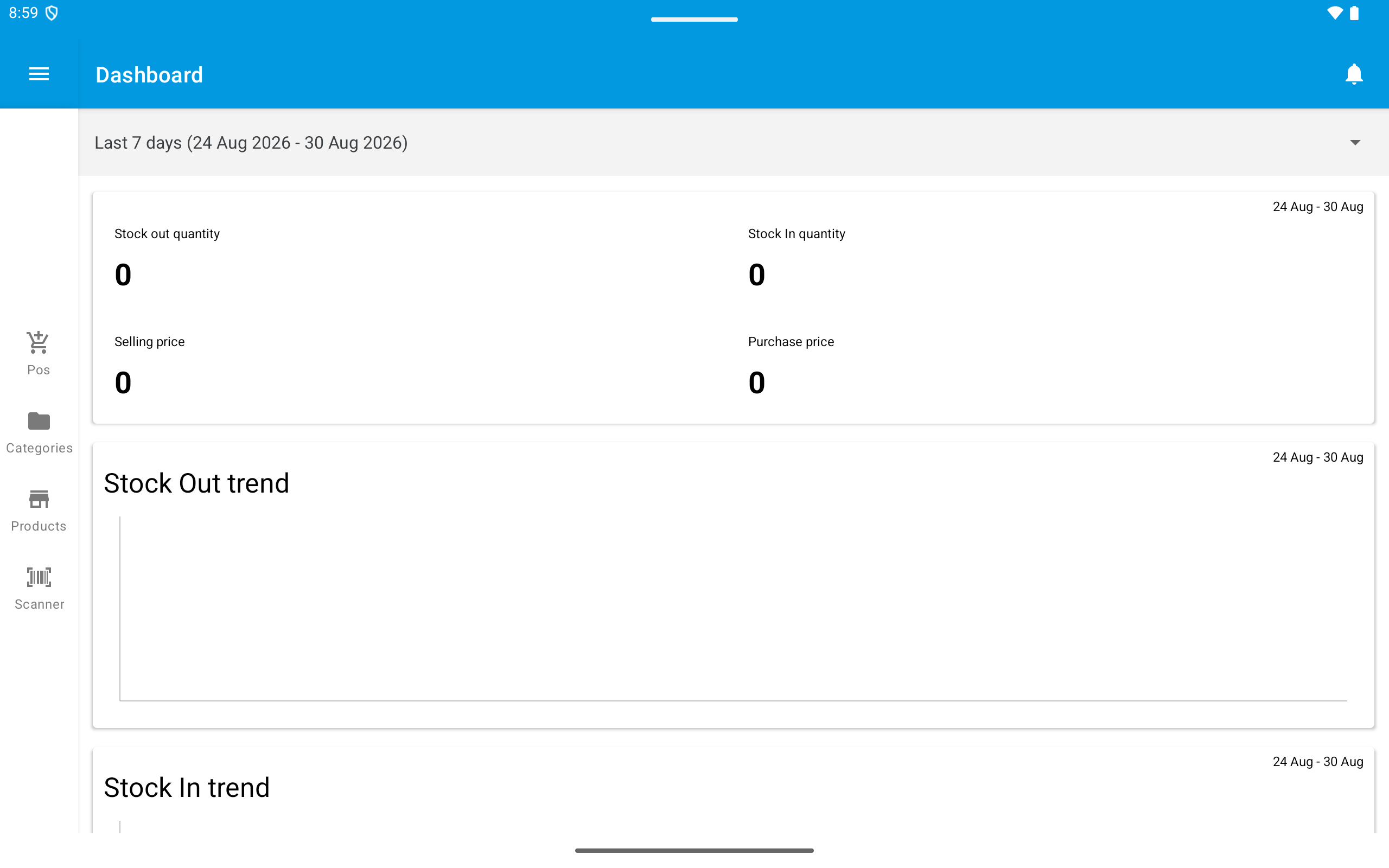
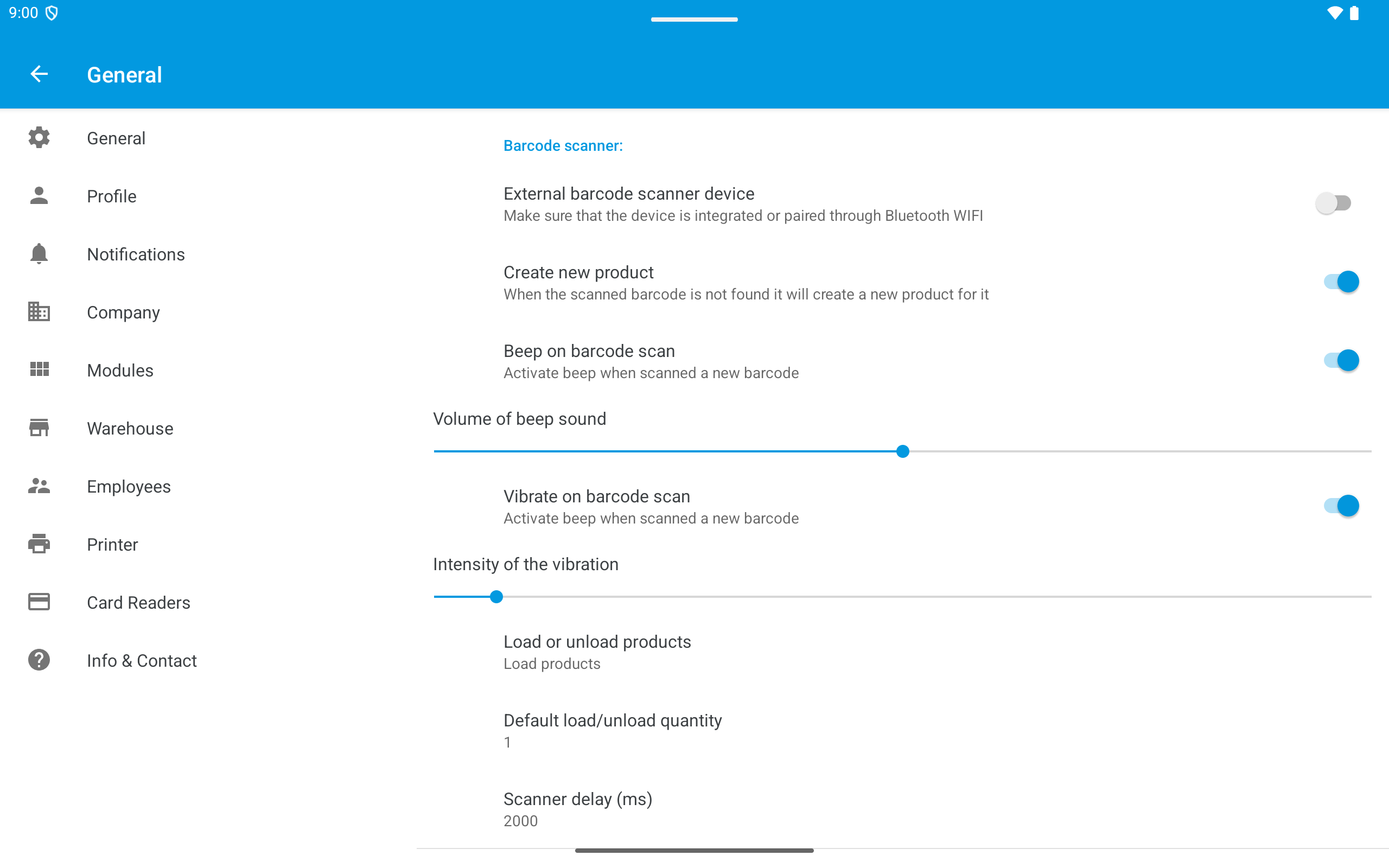
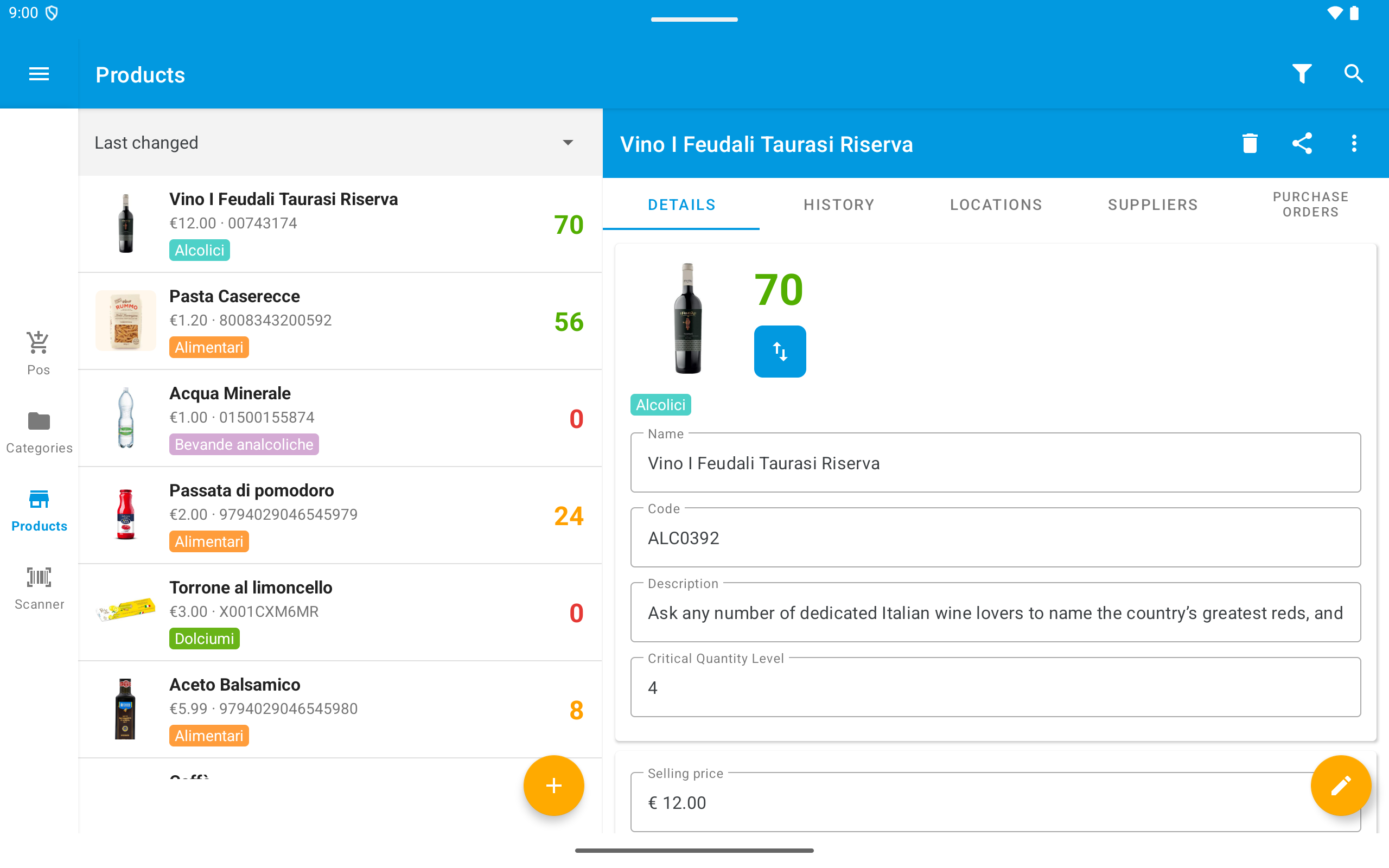
The WAMA Android app works on phones and tablets. On larger screens—typically tablets in landscape—the app uses a side navigation rail instead of the bottom bar, and some screens (such as settings and product details) open in a two-panel layout.
Open the menu from the top-left on phones, or from the button at the top of the navigation rail on tablets, to reach warehouse tools and other options that are not on the main bar.
Note
Some topic pages still show the phone layout. Features work the same on tablets; only navigation and layout adapt to your screen size.
Using the smartphone or tablet camera or a bluetooth or usb barcode scanner it is possible to scan barcodes to load and unload stock in the warehouse
How to use the sales module on the WAMA Android app
Use packs and cases on Android for sales and stock movements when Product packaging is enabled
Sell kit products on Android when Product kits (BOM) is enabled; configure components on the web
Track product expiry dates on stock load and unload in the Android app
Create and manage loyalty cards on Android, share barcodes, and set product loyalty prices
Run a stocktake from the Android app: create a check, count products, and complete to update stock
Move goods between warehouses or to a customer from the Android app, including lot numbers and expiry dates
Import and export warehouse data with Excel templates from the Android app
The Android app can be personalised using the various preferences available in the settings