Import / Export
Use Import / Export to download warehouse data or upload spreadsheet templates from your Android device.
For the full guide (export sheets, product matching, lot and expiry columns), see Import / Export.
Access Import / Export
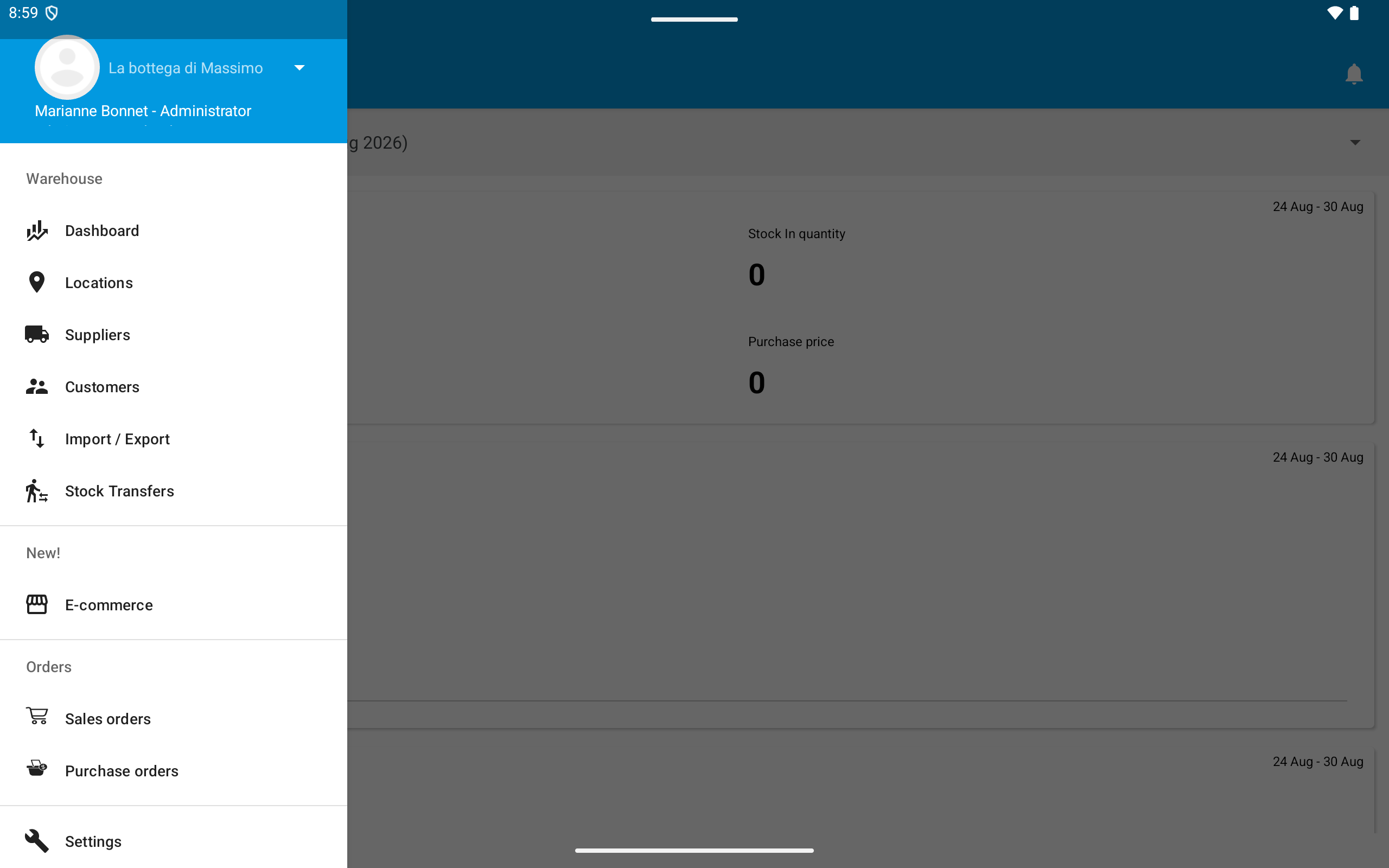
Open the menu and go to Warehouse > Import / Export.
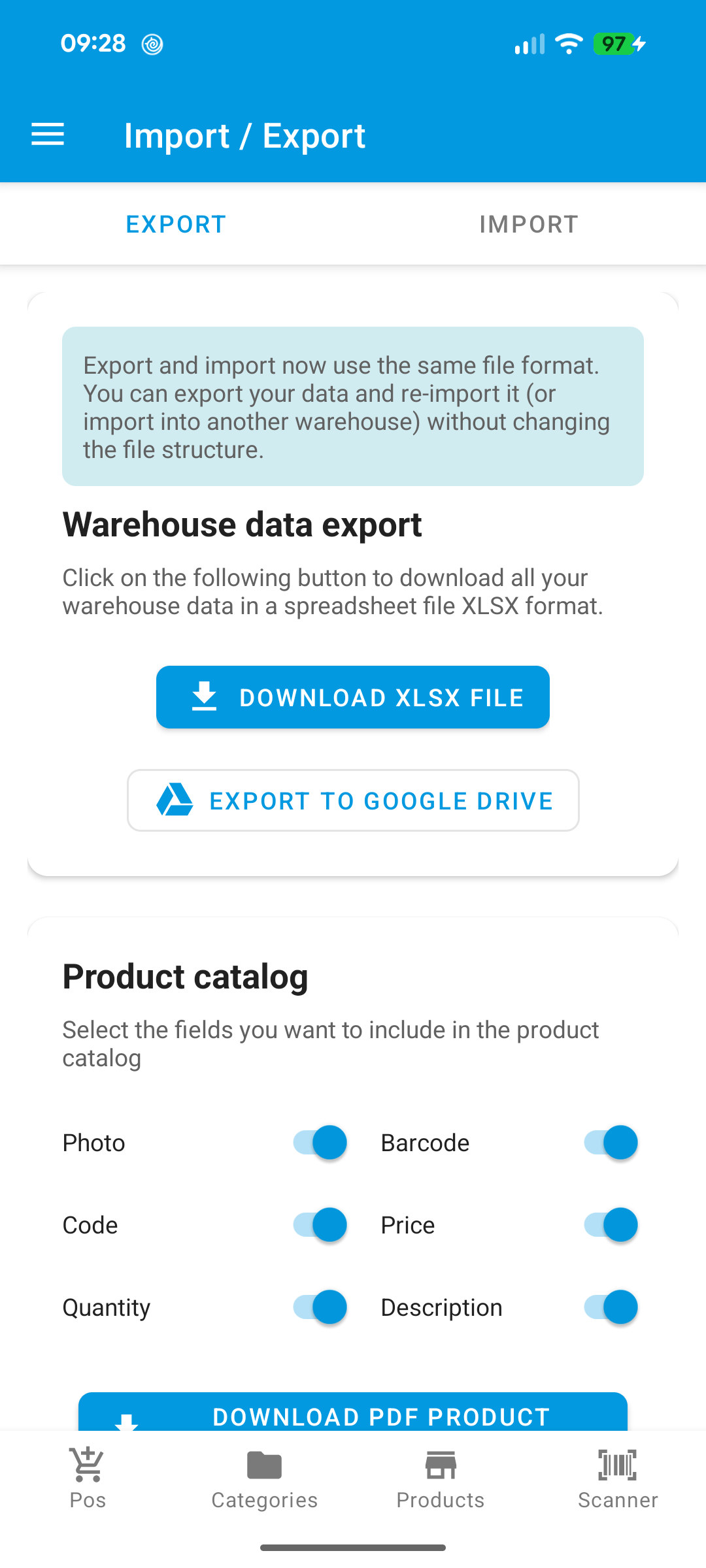
The screen has two tabs: Export and Import. Export builds an Excel file with warehouse data; Import lets you download a template, fill it, and upload it back to WAMA.
Only one export or import job can run at a time per point of sale.